We were introduced to another style which perhaps we could incorporate within our posters. A polygraph poster entailed creating triangular shapes over a selected image and averaging out the colours to create a solid overall colour for the selected area.

This is the image I chose, my plan was to alter the colour of the image to make it more unnatural/’alieny’. I picked this image purely because I think it looks lovely, this is my favourite image that I took while at Sutton Park.

I opened up the image in Photoshop. I used the shape tool to draw my first triangular shape, I then clicked the tab ‘Filter’ at the top, then ‘Blur’ then ‘Average’.Using the average tool would change the shape to a block colour which was the average of the colours within that section. I continued to do this but used the short cut to make the process a lot easier.
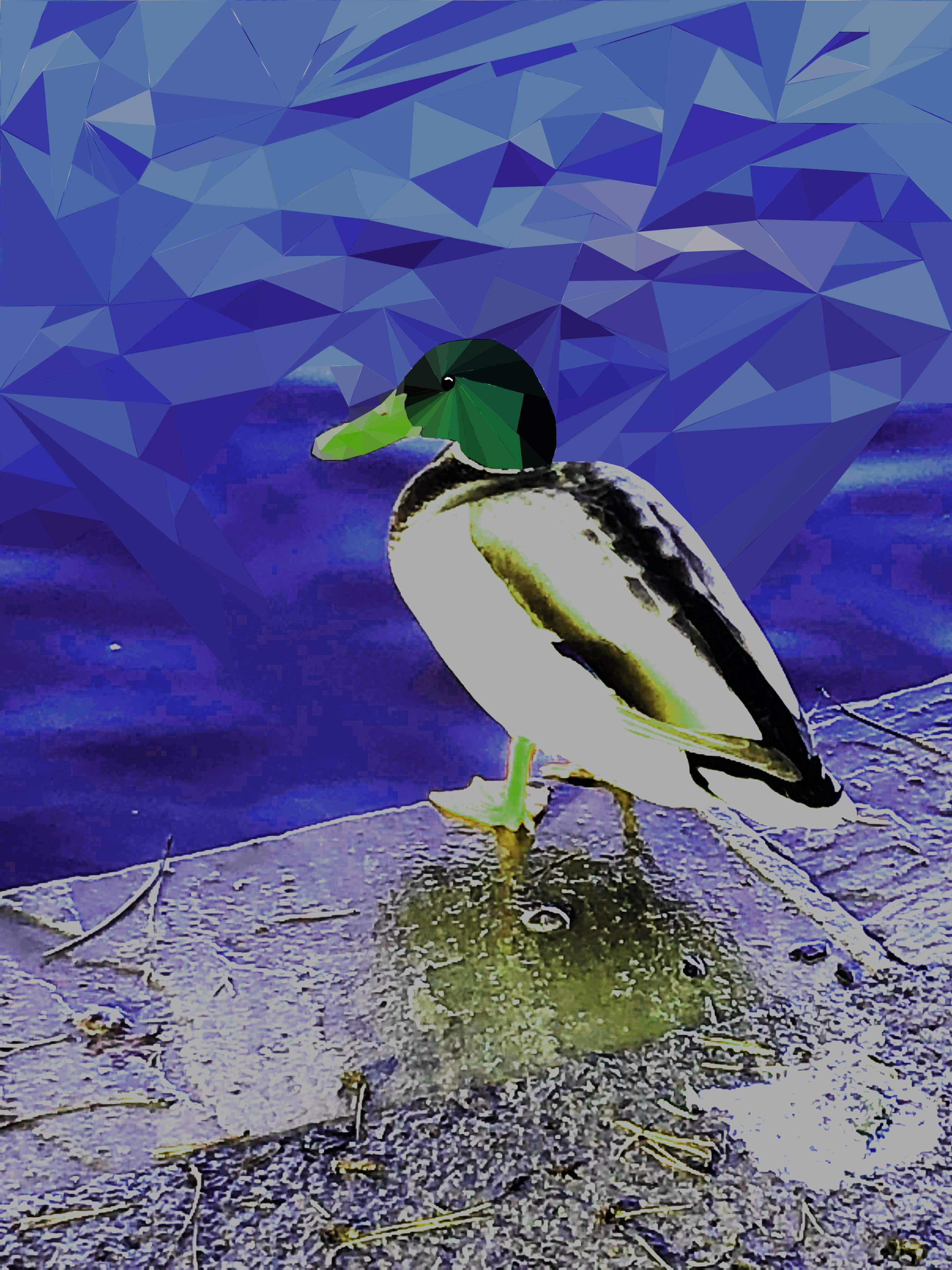
As you can see on the picture above, in comparison to the one before it, the colour of the image is a bit more vibrant, it added to the feel of it being a poster for a planet advertisement. I was going to change the colour more instead of it still being their original colours.
This became a problem as I just didn’t end up having enough time to finish it off, my plan was to finish it off while in lesson but the film editing took up all of my time to the point where I just about had enough time to start my blog in lesson. This was purely down to my lack of help with my team members as well as not having access to this software at home.
I wish I had chance to complete this poster to the potential I wanted to complete it in, however I did manage to incorporate this into our planet poster as part of the advertisement.

 FUTURES PROJECT