CREATING THE MOVIE
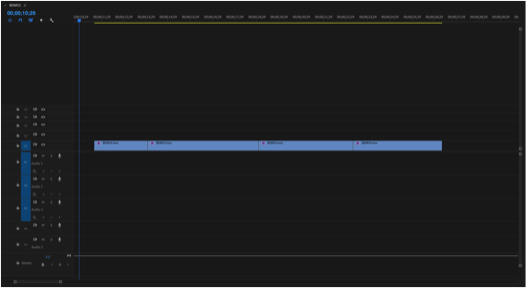

Me and Callum imported our footage onto Premier from external folders, our photos taken in Sutton Coldfield Park primarily as this is the first major bit we needed in the advertisement. After placing the files onto the timeline we trimmed and ordered them. I experimented with different filters – Colour wheels, colour correction and curves to give them an alien feel. It was a group decision on which colour suited each scene best, it was also a group decision for the final clip as it pans upwards, we planned for this to pan upwards into our logo which wasn’t as simple as we planned.We had to import our footage onto Premier
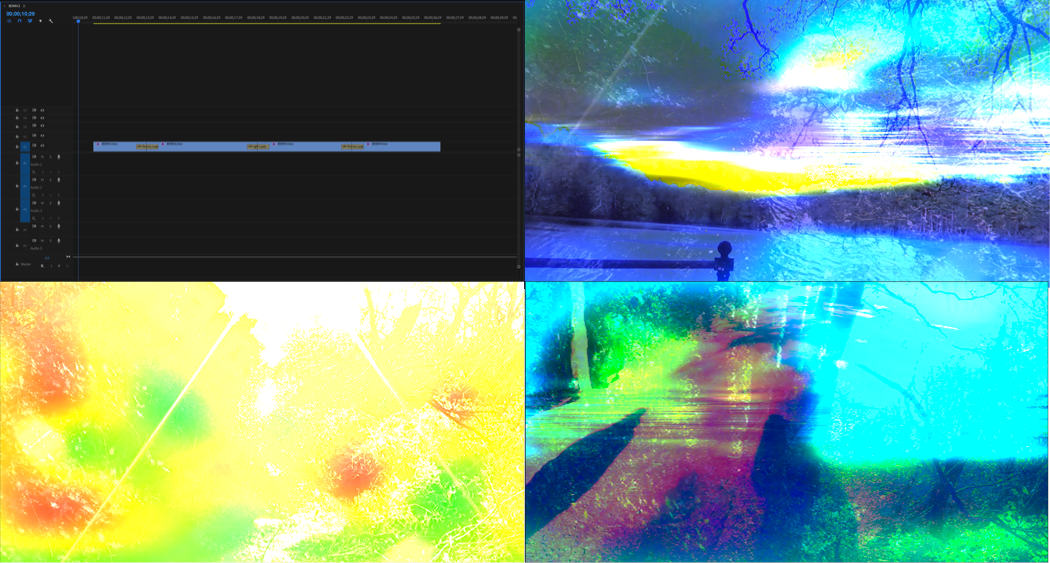
Our next step was to add transitions to the clips. We experimented with different transitions but none of them really fitted well. We then came across VR transitions, we used the VR light leak transition and the VR chroma leak transition. We just experimented with both of these to see which fitted in best with the colour effects we used.
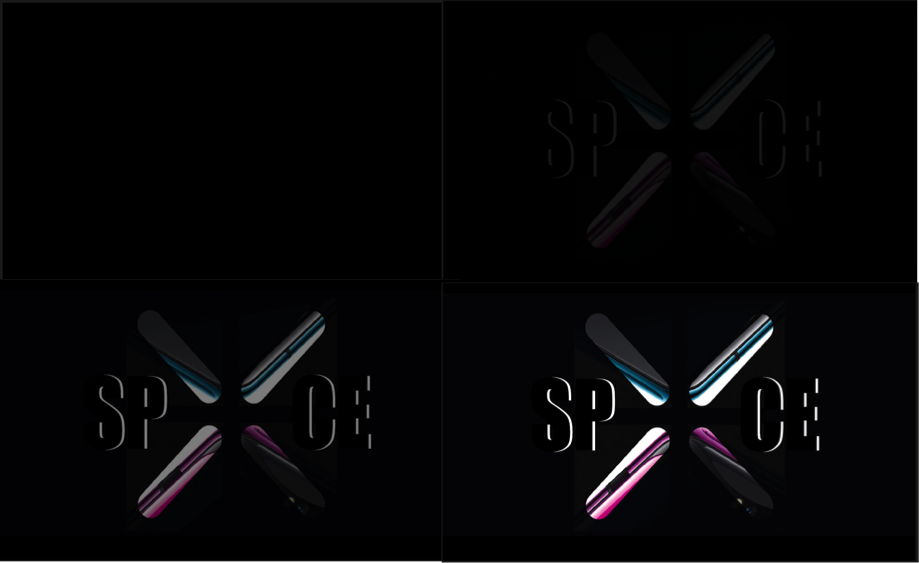
In order to advertise our company within the advertisement, we needed a logo. So I found the colourful ‘X’ online and put this onto photoshop and added text ‘SP ‘X’ CE’. I used a basic font and layered black text onto white so only the outline of the letters was visible. We used a generic dissolving transition for the logo so at the end of the last clip it cuts to black and then dissolves into the logo. I think this transition is quite dramatic.
The logo could’ve been more unique however the ‘X’ had a black background and it was very difficult to remove this smoothly, I tried using tools on Photoshop such as the magic wand and quick selection but this didn’t work. Alternatively I tried to get rid of the background using word but this didn’t work either.
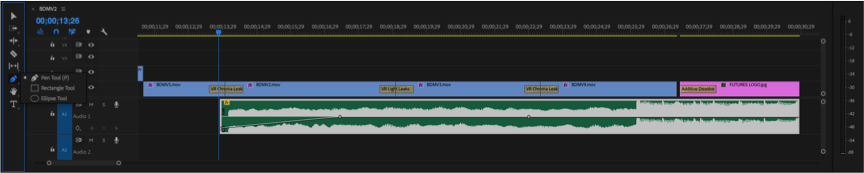
The backing track was something that two people in the team were supposed to work on, but they quickly gave up and me and Callum were listening to our songs to try and see if any fitted the theme or the advert. And we swayed more towards the Post Malone Rockstar backing track. The beat kicks in towards the end which is visible in the audio section, we wanted this to come in towards the section were the logo cuts in. This fitted very well and we were very happy with how well it suited the transition.
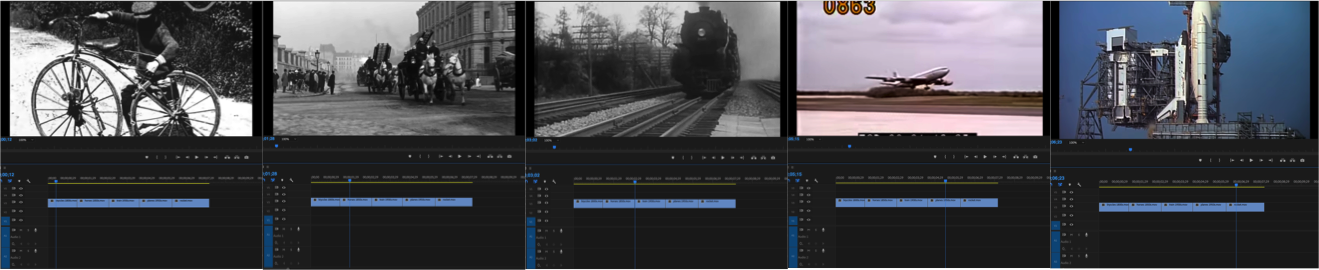
As the footage we recorded only took up a fraction of the 30 seconds that the length of the advertisement had to be, we had to brainstorm some ideas of how we could make it longer. This is as we came to the realisation that just having 30 seconds of recorded footage would be boring.
I suggested the idea of doing travel through the years, however this would be an issue as we had no idea how to make it link to the footage we filmed – How would it transition smoothly? How would this link to our footage and planet? Then someone in the group wanted to add aliens using a green screen video on YouTube. But again how would we fit this in with the footage we had?
I then suggested that we do our advertisement a little differently to a regular holiday advertisement. Make it more dramatic and intriguing.
My idea as a whole was that the clips of the transport through the years would be an advertisement in themselves. We would have someone talk about the advancement in the technological advancements of transport and then be unexpectedly interrupted by ‘aliens’. This would then go into the recorded footage, then our logo.
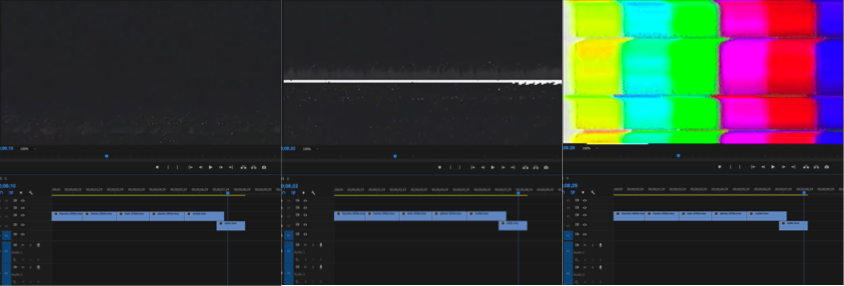
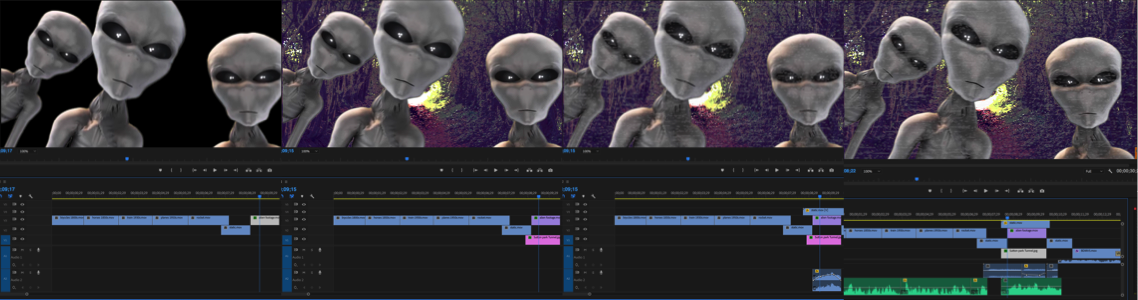
I found some static videos on YouTube along with static audio and put this after the rocket clip as well as before our recorded footage. Joel found an alien green screen and used a photo of Sutton Coldfield park to put behind it that Callum found, unfortunately we couldn’t use any photos we took as the image would become blurry when enlarged. Joel then put this onto the timeline along with the image but left me to make sure the video of the aliens was the actual size of the screen and that the image of the park wasn’t off the one side.
Me and Callum also put the static scene faintly on top of the alien scene as he usggested.
We then added the audio, this would be the speech for the transport scenes at the start of the film as well as some audio for the aliens. This was probably one of the biggest problems we faced.At first we used a text to speech generator but I didn’t think it made the advert look very good, the voice was very robotic and wouldn’t pronounce certain things correctly. We spent a while trying to find a good text to voice generator without noticing the obvious resolution of having someone recording themselves saying the text. This is when we had James record the speech for us, this worked perfectly, a lot better than I expected.
He recorded the following text:
The history of transport is largely one of technological innovation, advances in technology have allowed people to travel further, explore…
WIKIPEDIA
This was the speech for the clips of the transport up until the interference of the aliens, and this is the text he recorded for what the alien says:
Submit, come to Gliece
OUR OWN TEXT
James tried hard and did a very good job at trying to make his voice sound alien like, however we had already planned to use a voice manipulation site to add an eerie echoing effect to his voice. His hard work aided the effect of the manipulation. We were all very impressed with how it sounded.
It took a lot of tweaking the length of the videos and the placement of certain clips to ensure that the length of the advertisement stuck to 30 seconds, as well as everything fitting in with a good amount of time to be shown. Everything fitted perfectly, however we faced another problem.
Upon showing our teacher our completed advertisement we were alerted that maybe people wouldn’t really understand what our advertisement was advertising. With no where to add speech, me and Callum thought it would be a good idea to incorporate our polygraph poster into the advert, the last scene would simply dissolve into this then our logo. This and the fact that I just didn’t think adding more audio would fit in with the advertisement we had already made. The others agreed this was a good idea.
(Our Planets Poster)
We added the following image to advertise our planet:

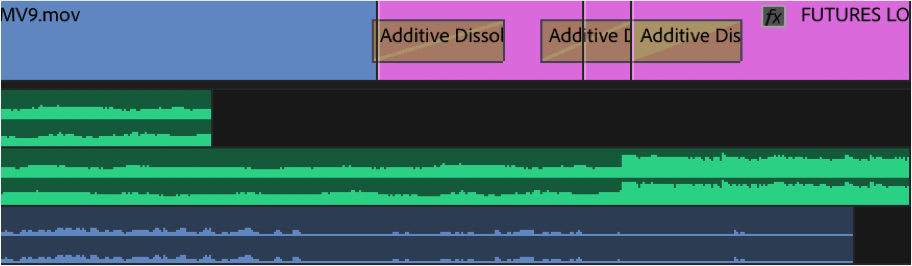
Originally the last recorded scene cut off to black and dissolved into the logo, we wanted the same thing to happen with the planet image. Now, the last recorded scene cuts off and dissolves into the planet, then dissolves to black then dissolves into the logo. We had to add in a plain black image between the two or else it would have dissolved straight from the poster to the logo which didn’t look right.
Finally, because we had added the extra imagery, the placement of the beat kicking in on the audio fell sooner than the appearance of the logo so Callum suggested we extend the starter audio to make up the difference. I added the same audio and cropped out the bit where the beat kicks in. I then used the pen tool to lower the volume of when the audio first starts so it blends in without the obviousness of it being extended.
After weeks of hard work, our advertisement was finally complete.

 FUTURES PROJECT